Customers

Hotspot: Custom Free Wifi Address: 21 Davidson St, Port Douglas QLD 4877 Phone: (07) 4099 4533 www: Seascape-holidays-apartments-at-tropic-sands-three-bedroom Seascape Holidays Apartments at Tropic Sands Three Bedroom This 3 bedroom 2 bathroom apartment is only a 5 minute walk to Macrossan Street where you can enjoy the shops ,Cafes and restaurants. Walk 5 minutes in …

At a time when the cruise industry is moving to larger and less personal ships, we have limited the size of our ships to maximise the expedition experience. Our small-batch cuisine is freshly prepared onboard with a simplistic and generous approach to quality and freshness, accompanied by quality Australian wine.
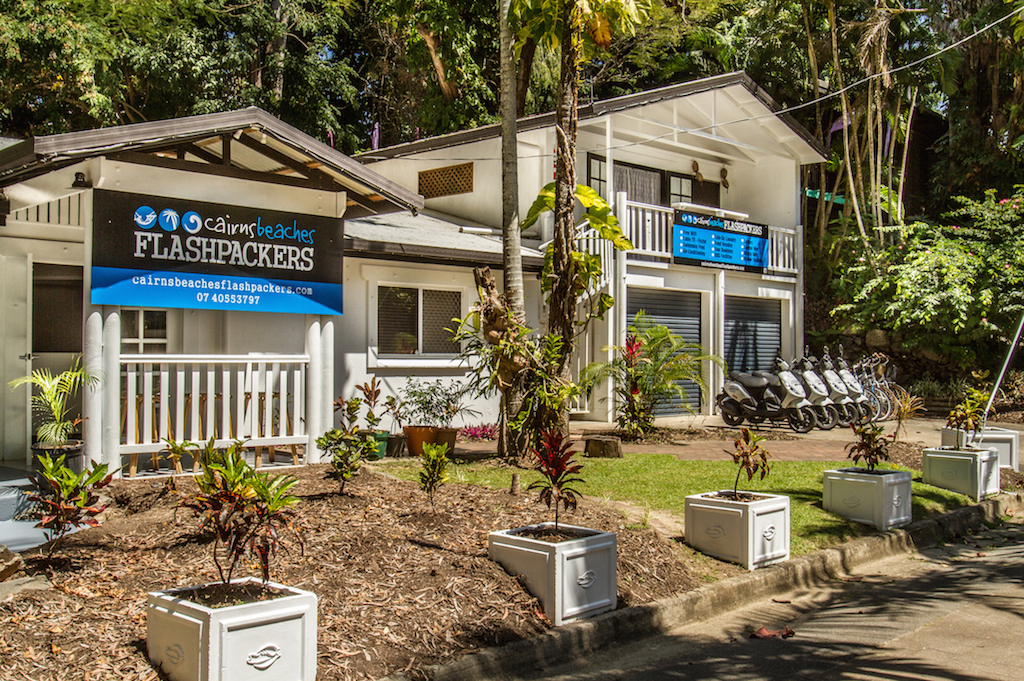
Hotspot: Custom Free Wifi Address: 19 Veivers Rd, Palm Cove QLD 4879 Phone: (07) 4055 3797 www: cairnsbeachesflashpackers.com We are a small boutique accommodation, all our rooms are located on the ground floor and some have direct access to our tropical outdoor area and pool. All rooms are fully tiled (no carpet) and freshly …
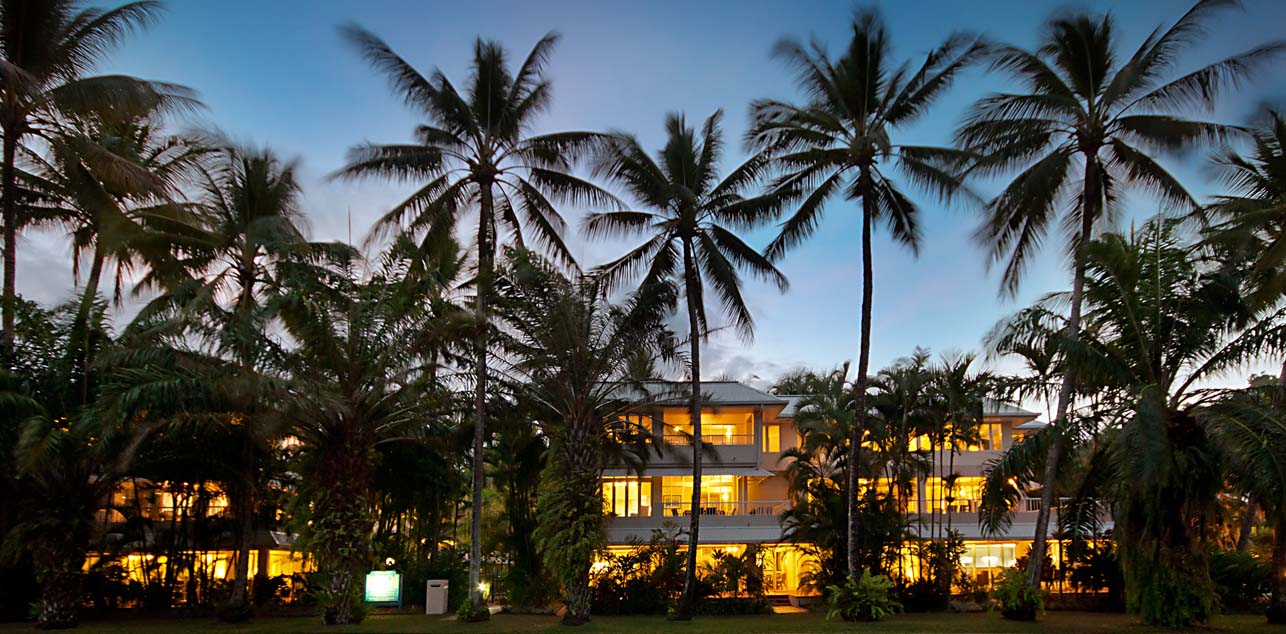
Experience some of the best Accommodation Port Douglas has to offer. The Balboa Apartments are very spacious, fully self contained holiday accommodation adjacent to the famous Four Mile beach.
Guest WiFi Troubleshooting
Most issues resolve with these quick steps—try in order!
1. No login page showing? Open your browser and go to: http://neverssl.com or http://captive.apple.com. This usually triggers the OzSpots login page. Disable VPN/ad-blockers if active.
2. Test your speed Run a test near the nearest access point: OzSpots.com.au/speedtest (Move closer if slow—walls and distance affect signal.)
3. Restart everything
- Restart your device.
- Toggle Wi-Fi off/on (or use airplane mode for 10 sec). This helps reconnect to the best access point, especially if moving around.
4. Forget and reconnect On your device: Go to Wi-Fi settings > select our network > “Forget”/Delete > reconnect and login again.
5. Mobile data conflict Turn off mobile/cellular data temporarily to avoid switching.
6. Apps or sessions dropping Re-open a browser, visit any website, and login again if prompted. Some apps timeout on public networks.
7. Email sending issues Many ISPs block outgoing email (SMTP) on public Wi-Fi. Use webmail (e.g., gmail.com in browser) or your email app’s web login.
Still stuck? Ask reception for help or email [email protected]. Include your device (e.g., iPhone 15) and what you’ve tried.
Device-Specific Tips
iPhone / iPad (iOS)
- Login page not popping up? Open Safari (or any browser) and visit http://captive.apple.com or http://neverssl.com. This usually forces the OzSpots login/accept page to appear.
- Alternative triggers: Try http://1.1.1.1 or http://www.apple.com/library/test/success.html.
- If still no luck: Go to Settings > Wi-Fi > tap the (i) next to “OzSpots” (or your network name) > Forget This Network > reconnect and try again.
- Turn off Auto-Join temporarily if reconnecting keeps failing (same menu). Also disable any VPN (Settings > General > VPN & Device Management).
- Roaming issues: Toggle Airplane Mode on/off for 10 seconds to force re-association to the strongest access point.
- Pro tip: Turn off Cellular Data while troubleshooting to prevent auto-switching.
Android Phones/Tablets
- Login page not appearing? Open Chrome (or browser) and go to http://neverssl.com, http://connectivitycheck.gstatic.com/generate_204, or http://1.1.1.1. This should redirect to the OzSpots portal.
- Forget network: Settings > Network & internet > Internet > tap your network > Forget > reconnect.
- Disable “Switch to mobile data automatically” (in Wi-Fi advanced settings) to avoid drops.
- If using private DNS: Turn it off temporarily (Settings > Network & internet > Private DNS > Off).
- Roaming: Restart Wi-Fi or device—Android usually picks the best AP quickly, but forgetting/rejoining helps in large venues.
Windows Laptop/PC
- Portal not loading? Open Edge or Chrome and visit http://www.msftconnecttest.com/connecttest.txt or http://neverssl.com. It should redirect to the login page.
- Forget network: Settings > Network & Internet > Wi-Fi > Manage known networks > select network > Forget > reconnect.
- Check for VPN or firewall interference—disable any active VPN software temporarily.
- Run the network troubleshooter: Right-click Wi-Fi icon > Troubleshoot problems.
- If drops occur: Restart Wi-Fi adapter (Device Manager > Network adapters > right-click your Wi-Fi > Disable device > Enable).
MacBook / macOS
- Captive portal not showing? In Safari, go to http://captive.apple.com/hotspot-detect.html or http://neverssl.com to trigger it.
- Forget network: System Settings > Network > Wi-Fi > Details (next to network) > Forget This Network > reconnect.
- Remove custom DNS if set: System Settings > Network > Wi-Fi > Details > DNS > set to Automatic.
- Terminal trick (advanced): After connecting, open Terminal and type arp -a then try browsing—this can flush and prompt the portal.
- Disable any VPN or Little Snitch/firewall rules temporarily.
General Across All Devices
- Disable VPN, ad-blockers, or private browsing mode—these often block the redirect.
- Use airplane mode toggle or full restart for stubborn cases.
- Test speed near different spots: OzSpots.com.au/speedtest
For all support enquiries
(www.ozspots.com.au/faq)
Please use these for support:
Call 1300 556 231 leave message at option 2 with your room number or an Australian mobile number, we will call you back.
CUSTOMERS
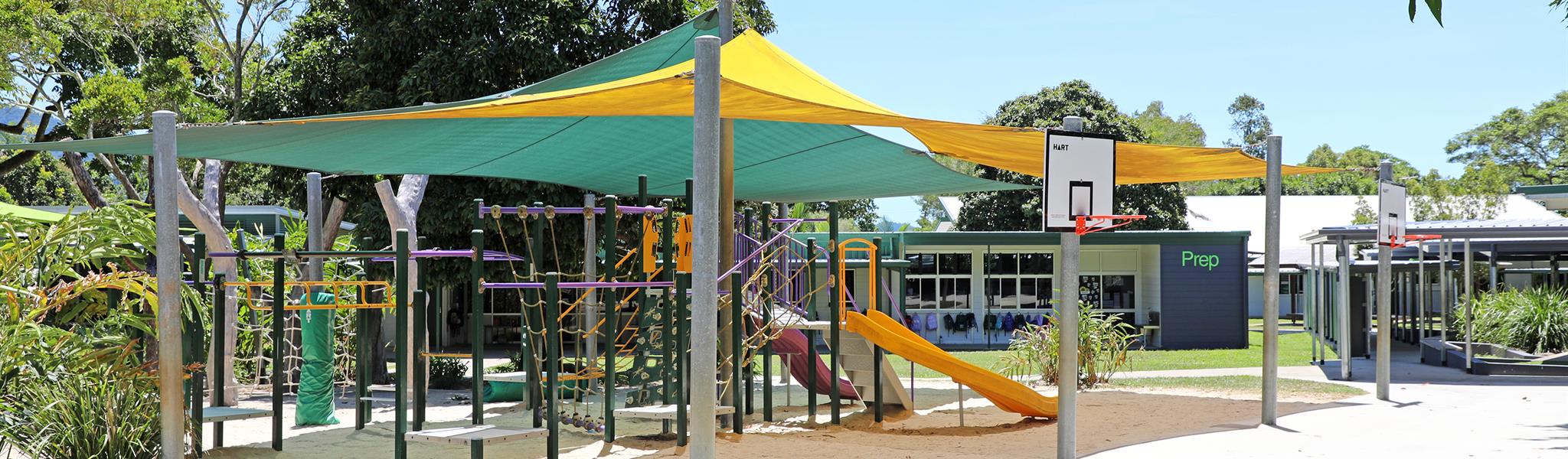
Hotspot: Custom Free Wifi Address: 10 Corkill Street FRESHWATER QLD 4870 Phone: (07) 4051 2345 www: freshwaterpandc.com.au Freshwater State School P&C Association After School Care Our Freshwater SS P&C is an amazing group of volunteers who work tirelessly to support school events, help out in our uniform shop, cook bbqs at sports events and raise …
Freshwater State School P&C Association After School CareRead More
Hotspot: Custom Free Wifi Address: 15-17 Davidson St, Port Douglas QLD 4877 Phone: (07) 4084 2400 www: portdouglasmeridian.com SHANTARA RESORT – PORT DOUGLAS – AN OASIS OF STYLE AND SECLUSION Shantara Resort Port Douglas is situated in one of Tropical North Queensland’s most desirable holiday destinations. Shantara Resort and Spa combines beautifully appointed apartment …
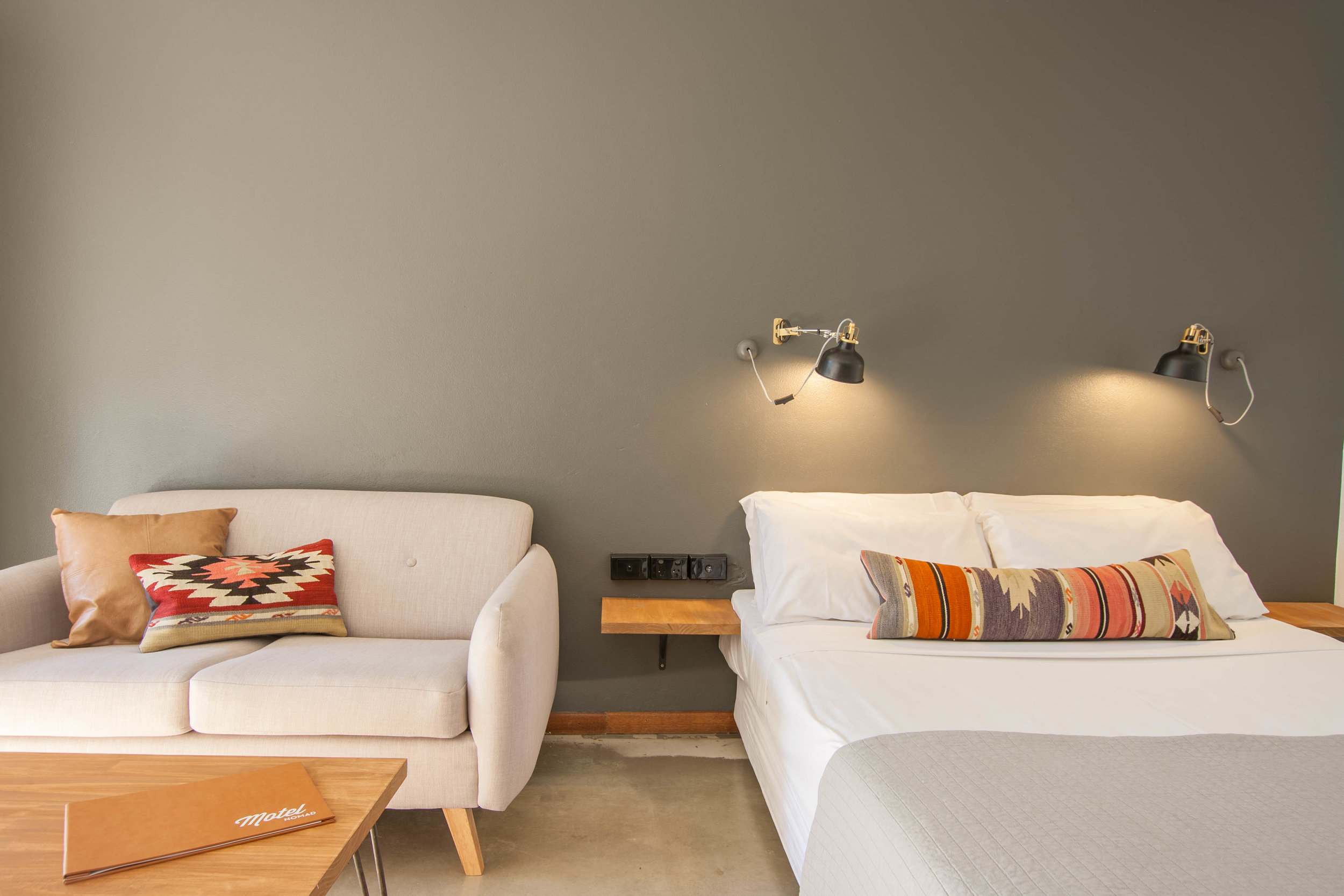
Cairns most unique motel accommodation – at Motel Nomad we’ve reimagined the ’roadside motel’ by combining modern furnishings with minimalist design to create a stay that is friendly, casual and above all, comfortable.
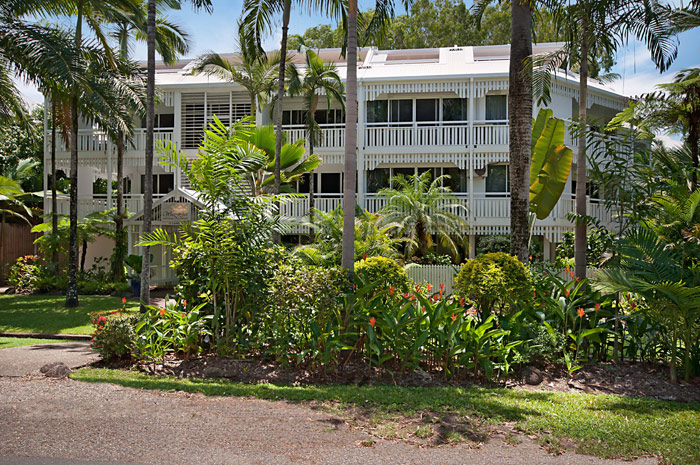
Apartments at The White House Port Douglas is a delightful example of “Old Queenslander” architecture, nestled amid lush tropical gardens. A favourite for Port Douglas Holiday Apartments.
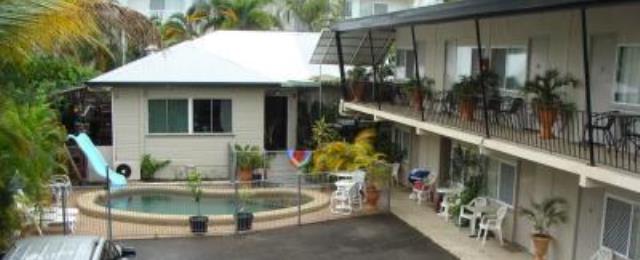
With our quiet and convenient location, and our friendly and knowledgeable staff, we hope to make your time in Cairns pleasurable. If you are looking for relaxing, unpretentious and economical accommodation for your stay, look no further.
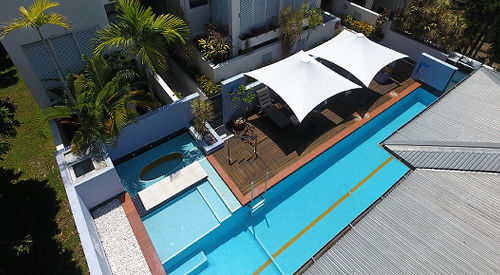
Just a one hour very scenic drive north from Cairns International Airport. As this Holiday Apartment Accommodation is located in the heart of Port Douglas you are only a short stroll away from everything – beautiful 4 Mile Beach, 5 star restaurants, boutique and international designer shops, the eclectic Sunday market to the fabulous Meridien Marina – main departure point for the Great Barrier Reef.
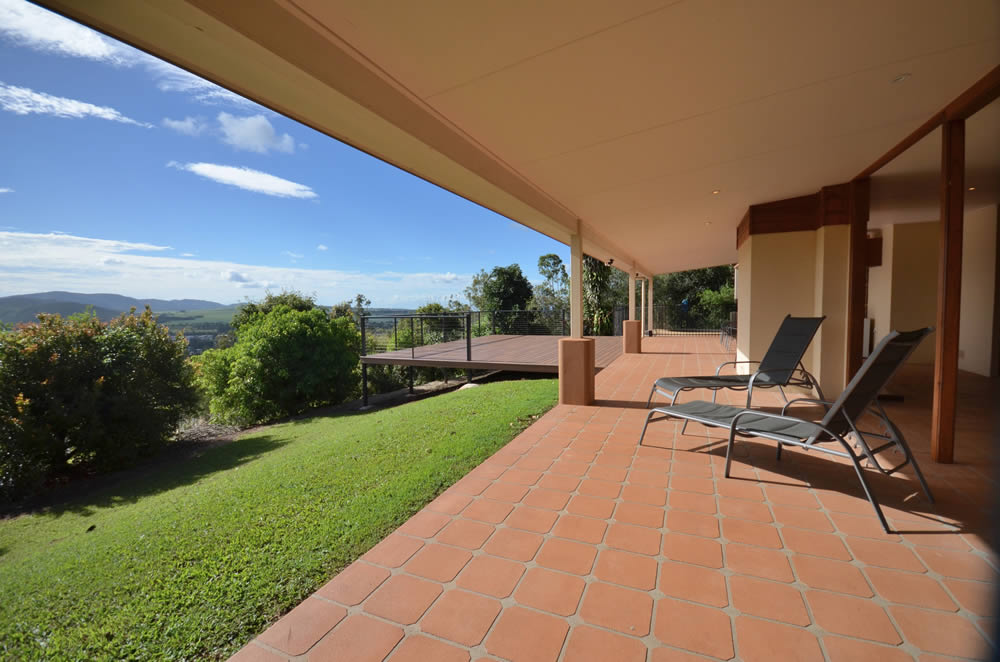
The Summit Rainforest Retreat has B&B rooms, 1 Bedroom Apartments, or Holiday Houses with or without Conference Room facilities on the Atherton Tablelands in a luxurious setting, for you or your groups private indulgence. Click on the main image at right to take the Google Street View Virtual Tour.
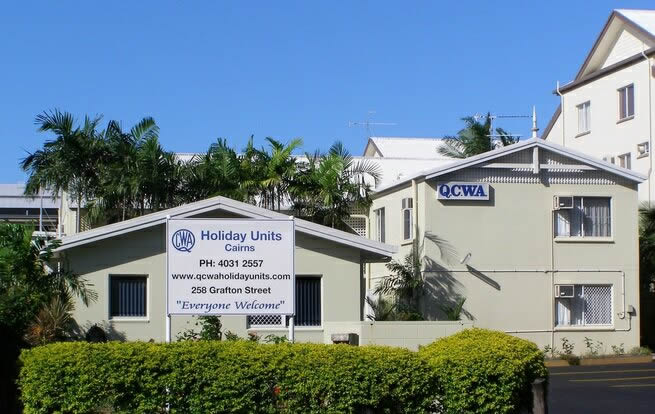
Come and enjoy a stay with the QCWA.
Clean & Comfortable 3 Star Self-contained
One & Two bedroom holiday units.